

Make your Kleap app discoverable in search engines.

Basic SEO Setup

Page Metadata

Every page should have metadata. Ask AI:
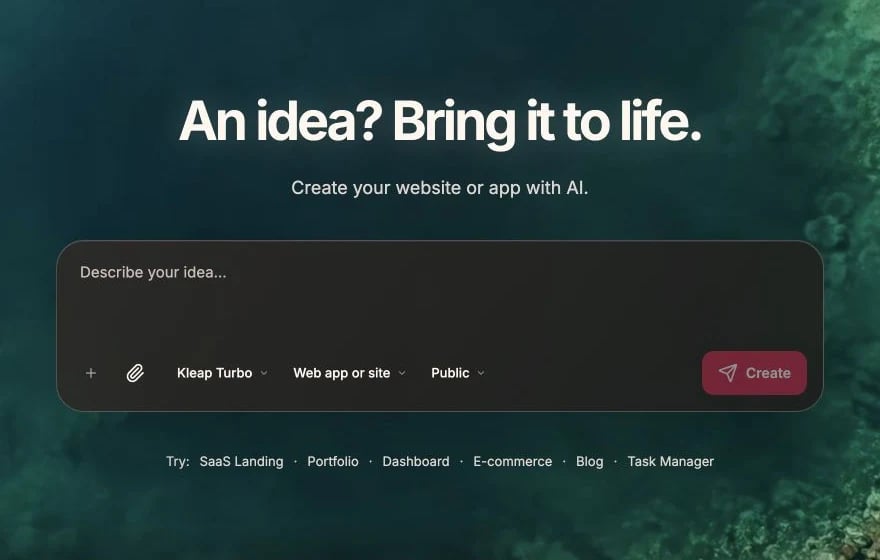
Add SEO metadata to the homepage with:
- Title: "MyApp - Build Apps Faster"
- Description: "Create beautiful web apps in minutes with AI"
- Open Graph tags for social sharing

Implementation

// app/page.tsx
export const metadata = {
  title: 'MyApp - Build Apps Faster',
  description: 'Create beautiful web apps in minutes with AI',
  openGraph: {
    title: 'MyApp - Build Apps Faster',
    description: 'Create beautiful web apps in minutes with AI',
    images: ['/og-image.png'],
  },
};

Essential SEO Elements

Title Tags

  • Unique per page - Each page needs its own title
  • Under 60 characters - Longer gets truncated
  • Include keywords - What users search for
  • Brand at end - “Page Name | MyApp”
"Update page titles to be SEO-friendly:
- Home: 'AI App Builder | MyApp'
- Pricing: 'Simple Pricing Plans | MyApp'
- About: 'About Us | MyApp'"

Meta Descriptions

  • Under 160 characters - Keep it concise
  • Include call-to-action - Why click?
  • Unique per page - No duplicates

Headings

Proper heading structure matters:
H1 - Main page title (one per page)
  H2 - Major sections
    H3 - Subsections
"Fix the heading structure on the homepage.
There should be only one H1, and sections should use H2."

Technical SEO

Sitemap

Generate a sitemap for search engines:
"Add a sitemap.xml that includes all public pages"
// app/sitemap.ts
export default function sitemap() {
  return [
    { url: 'https://myapp.com', lastModified: new Date() },
    { url: 'https://myapp.com/pricing', lastModified: new Date() },
    { url: 'https://myapp.com/about', lastModified: new Date() },
  ];
}

Robots.txt

Control what search engines can crawl:
"Add a robots.txt that allows all crawlers but blocks /api and /dashboard"
// app/robots.ts
export default function robots() {
  return {
    rules: { userAgent: '*', allow: '/', disallow: ['/api/', '/dashboard/'] },
    sitemap: 'https://myapp.com/sitemap.xml',
  };
}

Canonical URLs

Prevent duplicate content issues:
export const metadata = {
  alternates: {
    canonical: 'https://myapp.com/page',
  },
};

Performance for SEO

Google considers page speed. Optimize:

Image Optimization

"Convert all images to use Next.js Image component
with proper width, height, and alt text"

Core Web Vitals

Target these metrics:
MetricTargetWhat It Measures
LCP< 2.5sLoading speed
FID< 100msInteractivity
CLS< 0.1Visual stability
"Optimize the page for Core Web Vitals.
Add loading skeletons and optimize images."

Content SEO

Semantic HTML

"Use semantic HTML elements:
- nav for navigation
- main for main content
- article for blog posts
- section for content sections
- footer for footer"

Alt Text for Images

"Add descriptive alt text to all images for accessibility and SEO"
Good alt text:
<!-- Bad -->
<img alt="image1" />

<!-- Good -->
<img alt="Dashboard showing user analytics with charts" />

Internal Linking

Link between your pages:
"Add internal links from the homepage to feature pages
and from blog posts to related content"

Social Sharing

Open Graph

For Facebook, LinkedIn:
openGraph: {
  title: 'Page Title',
  description: 'Page description',
  images: [
    {
      url: '/og-image.png',
      width: 1200,
      height: 630,
    },
  ],
},

Twitter Cards

For Twitter/X:
twitter: {
  card: 'summary_large_image',
  title: 'Page Title',
  description: 'Page description',
  images: ['/twitter-image.png'],
},

Creating OG Images

"Create an Open Graph image template for the homepage
that shows the app name and tagline"

Structured Data

Help search engines understand your content:

Organization

"Add Organization structured data with our company name,
logo, and social profiles"

FAQ

"Add FAQ structured data to the FAQ page so it can
appear in Google's rich results"

Product

"Add Product structured data to product pages with
name, price, and availability"

SEO Checklist

Before launching:
  • Unique title tags per page
  • Meta descriptions on all pages
  • Proper heading hierarchy (one H1)
  • Alt text on all images
  • Sitemap.xml generated
  • Robots.txt configured
  • Canonical URLs set
  • Open Graph tags added
  • Mobile-friendly design
  • Fast page load speed
  • HTTPS enabled (automatic with Vercel)
  • Internal linking in place

Monitoring SEO

After launching:
  1. Google Search Console - Monitor indexing and performance
  2. Vercel Analytics - Track Core Web Vitals
  3. Google PageSpeed Insights - Check performance
"Add Google Search Console verification meta tag"

Analytics

Track your app’s performance