

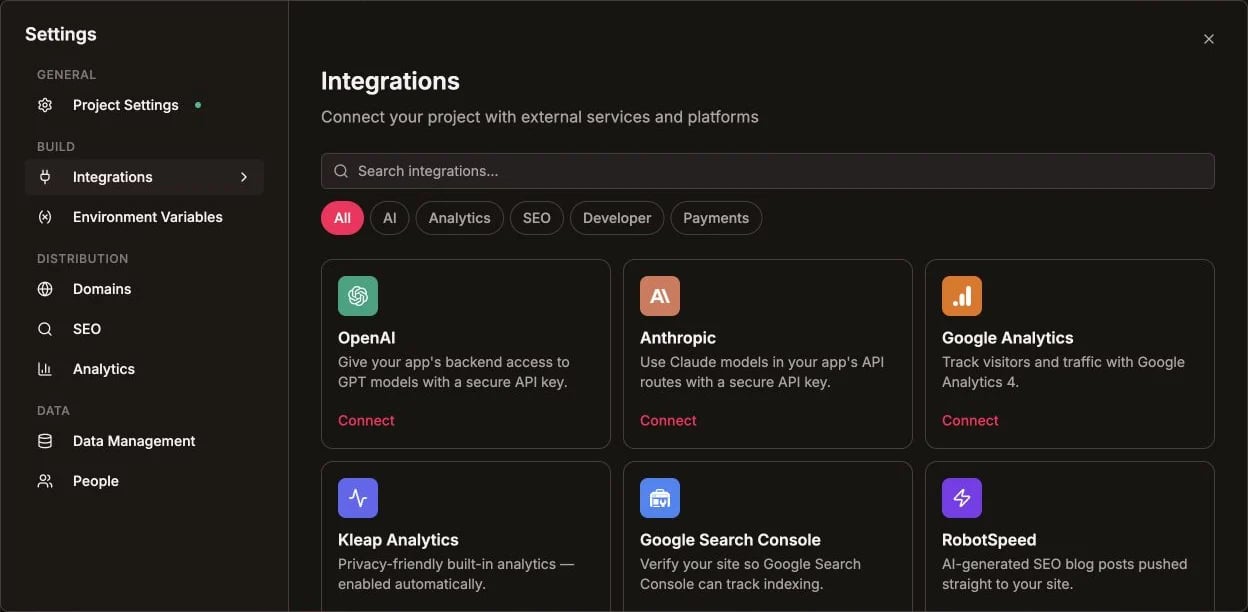
External services are connected from the English Integrations catalog
Built-in Capabilities
Forms & Data
Contact, lead, and newsletter forms with submissions in your dashboard — no setup.
Kleap Database
Add a built-in database and user accounts when your app needs them.
Analytics
Track visitors and pageviews out of the box.
Custom Domains
Connect or buy a domain, with free automatic SSL.
External Integrations
GitHub
Two-way sync to back up and own your code. (Backup, not deployment.)
Payments (Stripe)
Add Stripe payment links and buttons to sell on your site.
Supabase
Bring your own Supabase project for full control of your backend.
AI Models
The AI that builds and edits your site.
How It Works
- Hosting & publishing — open Publish when the reviewed draft is ready. Your site then goes live at
your-app.kleap.io. - Forms — work automatically on preview and published sites. Submissions appear in your dashboard.
- Kleap Database — added on demand: ask the AI to add saved data or user accounts, and Kleap provisions it for that app.
- GitHub — a one-time connection to sync your code to a repo.
- Payments — embed Stripe payment links/buttons (no server keys needed on a static site).
Two ways to add a database. For most sites, the built-in Kleap Database needs no account and is managed for you. Prefer to run your own backend? Connect your own Supabase project instead.