

Kleap Database is optional and added on demand. A simple marketing or landing site doesn’t need it — it stays fast and static. You add a database only when your app needs stored data or user accounts.
When to Use It
Use Kleap Database when your app needs to:- Save records that persist (bookings, orders, reviews, submissions you query)
- Let visitors create accounts and log in
- Show each user their own private data
Adding a Database
The easiest way is to ask the AI: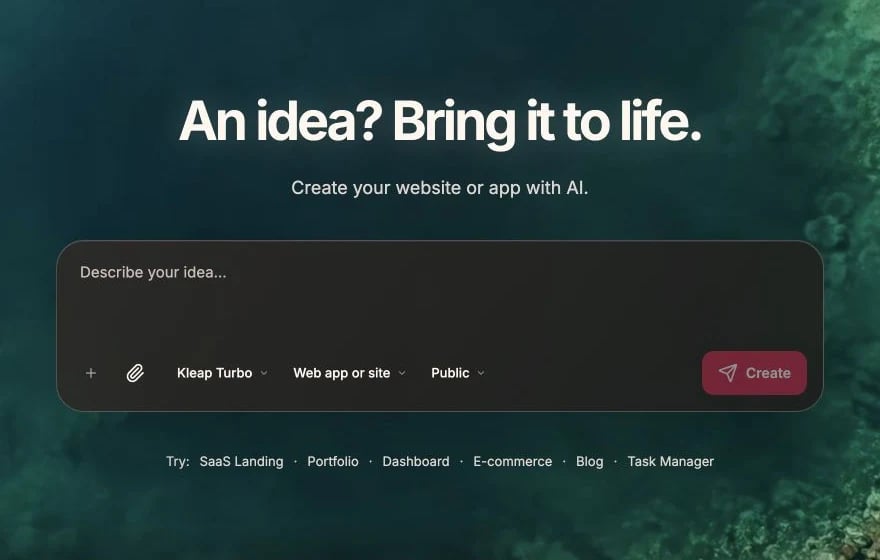
Describe the data and account behavior in the prompt composer
User Accounts
Kleap Database includes ready-made authentication for your site’s visitors — email and password sign-up and login, with pre-built UI components.Viewing Your Data
Once a database is added, open Settings > Project settings > Data Management to browse the project’s data — no SQL required.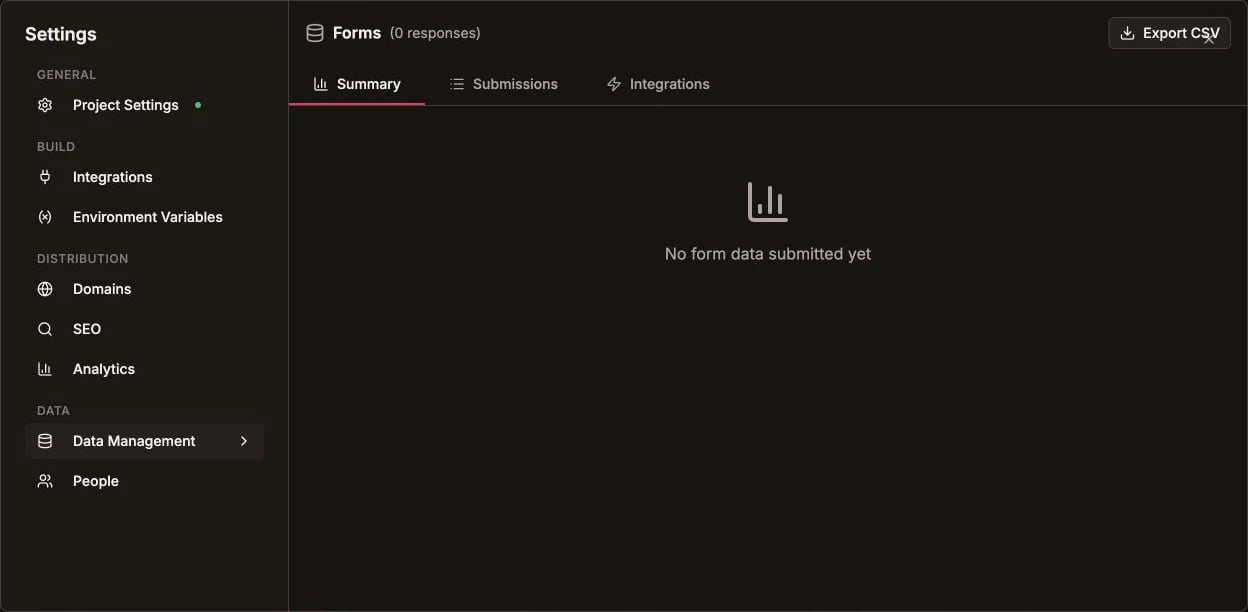
Project data is available from Settings > Data Management
Working with Data
You describe changes in plain language and Kleap handles the schema and queries:Best Practices
Only add a database when you need one
Only add a database when you need one
Static sites are faster and simpler. Add Kleap Database when your app genuinely needs stored data or logins.
Use Forms for simple submissions
Use Forms for simple submissions
Contact and lead forms are better served by built-in Forms, which notify you by email automatically.
Keep private data private
Keep private data private
Each user sees only their own data by default. Keep it that way for anything private.
Collect submissions with Forms
For contact and lead forms, use built-in Forms