

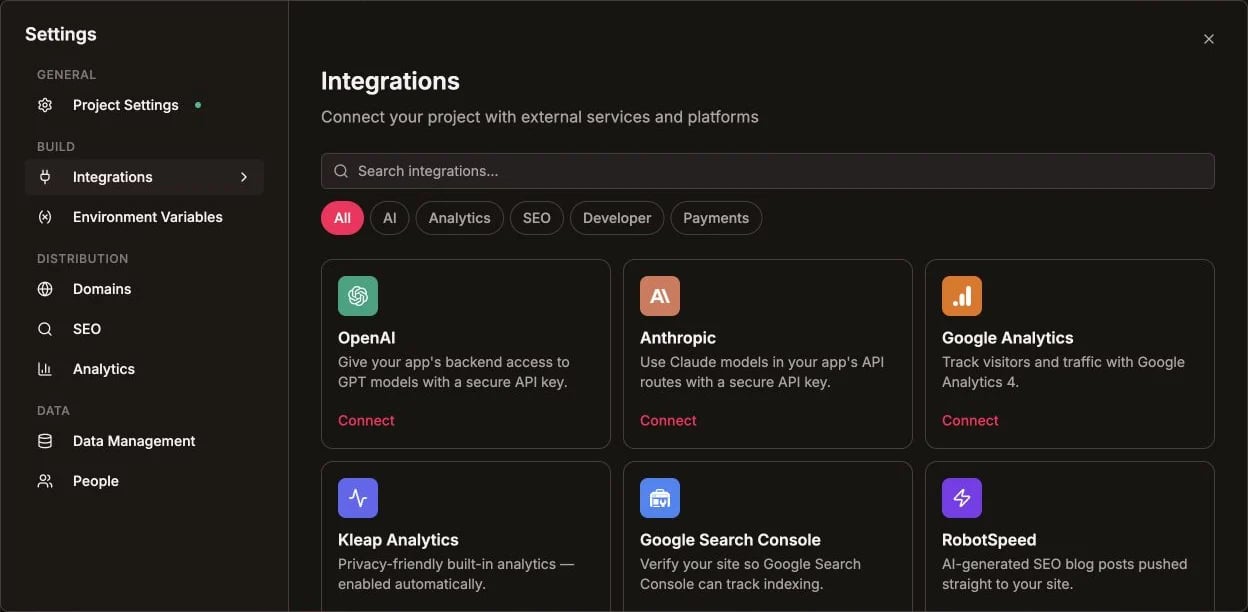
Supabase provides the backend infrastructure for Kleap apps: database, auth, storage, and real-time features.

What is Supabase?

Supabase is an open-source Firebase alternative offering:
  • PostgreSQL Database - Relational database with SQL
  • Authentication - User signup, login, OAuth
  • Storage - File uploads and media
  • Real-time - Live data subscriptions
  • Edge Functions - Serverless backend logic

Connecting Supabase

First-Time Setup

  1. Go to Settings > Supabase
  2. Click Connect Supabase
  3. Sign in to Supabase (or create account)
  4. Authorize Kleap
  5. Connection saved

Creating a Database

After connecting:
  1. Go to Settings > Database
  2. Click Create Database
  3. Choose a region (closest to your users)
  4. Database created in ~60 seconds
Each app can have its own database, or multiple apps can share one.

Database Features

Tables

Store your app’s data in tables:
Example: Blog App
- users (id, email, name, avatar)
- posts (id, title, content, author_id, created_at)
- comments (id, post_id, user_id, text)

Creating Tables via AI

Ask Kleap to create tables:
Create a database table for blog posts with title,
content, author, and published date
The AI generates and applies the migration.

Row Level Security (RLS)

Control data access at the database level:
-- Users can only read their own data
CREATE POLICY "Users read own data"
ON users FOR SELECT
USING (auth.uid() = id);

-- Users can only update their own posts
CREATE POLICY "Authors update posts"
ON posts FOR UPDATE
USING (auth.uid() = author_id);
Always enable RLS on tables containing user data. This is critical for security.

Authentication

Built-in Auth Methods

  • Email/Password - Traditional signup
  • Magic Link - Passwordless email login
  • OAuth Providers - Google, GitHub, etc.

Adding Auth via AI

Add user authentication with email signup and Google login
Kleap sets up:
  • Supabase Auth configuration
  • Login/signup pages
  • Protected routes
  • User session handling

Auth Code Example

import { createClient } from '@supabase/supabase-js';

const supabase = createClient(url, key);

// Sign up
const { data, error } = await supabase.auth.signUp({
  email: '[email protected]',
  password: 'securepassword'
});

// Sign in
const { data, error } = await supabase.auth.signInWithPassword({
  email: '[email protected]',
  password: 'securepassword'
});

// Get current user
const { data: { user } } = await supabase.auth.getUser();

// Sign out
await supabase.auth.signOut();

Storage

File Uploads

Store images, documents, and media:
// Upload file
const { data, error } = await supabase.storage
  .from('avatars')
  .upload('public/avatar.png', file);

// Get public URL
const { data } = supabase.storage
  .from('avatars')
  .getPublicUrl('public/avatar.png');

Storage Buckets

Organize files in buckets:
BucketAccessUse Case
publicAnyonePublic images, assets
privateAuthenticatedUser uploads
avatarsPer-userProfile pictures

Real-time Subscriptions

Get live updates when data changes:
// Subscribe to changes
const subscription = supabase
  .channel('posts')
  .on('postgres_changes', {
    event: '*',
    schema: 'public',
    table: 'posts'
  }, (payload) => {
    console.log('Change:', payload);
  })
  .subscribe();
Use cases:
  • Live chat
  • Real-time dashboards
  • Collaborative editing
  • Notifications

Edge Functions

Run server-side code:
// supabase/functions/hello/index.ts
Deno.serve(async (req) => {
  const { name } = await req.json();
  return new Response(
    JSON.stringify({ message: `Hello ${name}!` }),
    { headers: { 'Content-Type': 'application/json' } }
  );
});

Database Management

Via Kleap

Ask the AI to make database changes:
Add a "likes" column to the posts table
Create a table for storing user notifications

Via Supabase Dashboard

  1. Go to supabase.com/dashboard
  2. Select your project
  3. Use Table Editor, SQL Editor, or Auth settings

Supabase Pricing

PlanDatabaseStorageAuthPrice
Free500 MB1 GB50K MAU$0
Pro8 GB100 GB100K MAU$25/mo
TeamUnlimitedUnlimitedUnlimited$599/mo
Free tier is generous for most apps. You can upgrade anytime as you grow.

Best Practices

Row Level Security is your primary defense against data leaks.
Use appropriate PostgreSQL types: uuid for IDs, timestamptz for dates, jsonb for flexible data.
Add indexes to columns used in WHERE clauses and JOINs for better performance.
Only use the public anon key in client code. Keep the service_role key secret.

Troubleshooting

  • Check your Supabase project is active
  • Verify environment variables are set
  • Ensure project hasn’t been paused (free tier pauses after inactivity)
  • Enable the auth provider in Supabase dashboard
  • Check redirect URLs are configured
  • Verify site URL is set correctly
  • Check your policies allow the intended operations
  • Verify auth.uid() is correct for the logged-in user
  • Test policies in Supabase SQL Editor

Security Best Practices

Learn how to secure your Supabase database