

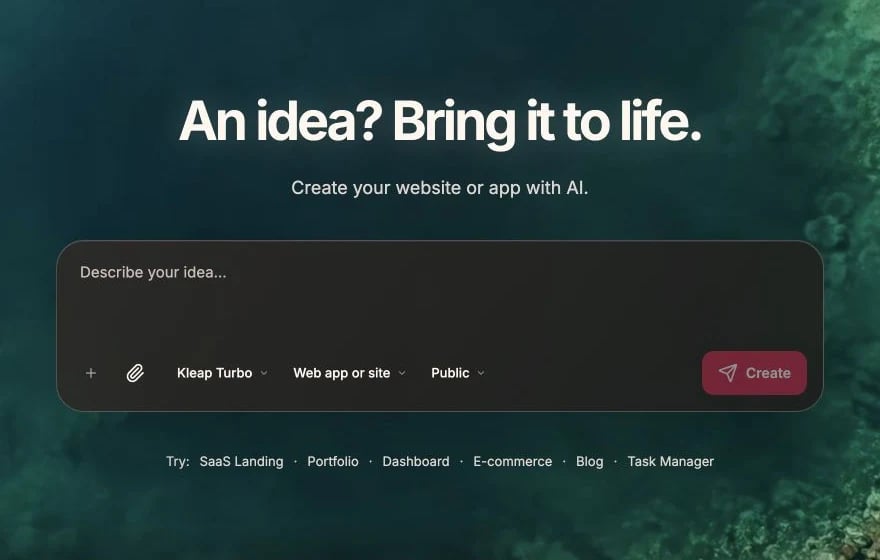
Every tutorial starts from the same English prompt composer
Tutorials
SaaS Dashboard
Build a complete SaaS with authentication, dashboard, and billing
Portfolio Site
Create a professional portfolio to showcase your work
E-commerce Store
Set up an online store with products and checkout
Landing Page
Design a marketing page that converts visitors
Learning Resources
Video Tutorials
Watch step-by-step guides on YouTube
Showcase
Apps built with Kleap for inspiration
What You’ll Learn
Each tutorial covers:- Planning - How to approach the project
- Step-by-step building - Prompts to use
- Best practices - Tips for success
- Common pitfalls - What to avoid
Difficulty Levels
Prerequisites
Before starting tutorials:- Basic Kleap knowledge - Complete Getting Started
- Kleap account - For building and deployment
- Stripe account (optional) - Only for tutorials that add payments
How to Use These Tutorials
1
Read through first
Understand the full flow before building
2
Follow step by step
Don’t skip ahead; build incrementally
3
Customize as you go
Adapt to your specific needs
4
Test frequently
Verify each step works before continuing
Request a Tutorial
Want a tutorial for a specific use case?- Share your idea on Discord
- Email us at [email protected]