

- Form notifications — built in. When someone submits a KleapForm, you (and optionally the respondent) get emailed automatically. No external service, no setup.
- Custom / transactional email — sending your own emails (welcome, password reset, order confirmation, newsletters). A static site has no server to send these, so it requires an external email provider called from a backend or serverless function. This is an advanced setup, not a one-click toggle.
Form Notifications (Built In)
The simplest way to “get an email when something happens” is a KleapForm. Every form submission is:- Stored in your dashboard (Forms → responses)
- Emailed to the site owner automatically
- Respondent auto-reply — automatically send a confirmation email back to the person who submitted the form
- Webhooks — POST each submission to any external URL (Zapier, Make, your own endpoint) to trigger further automation
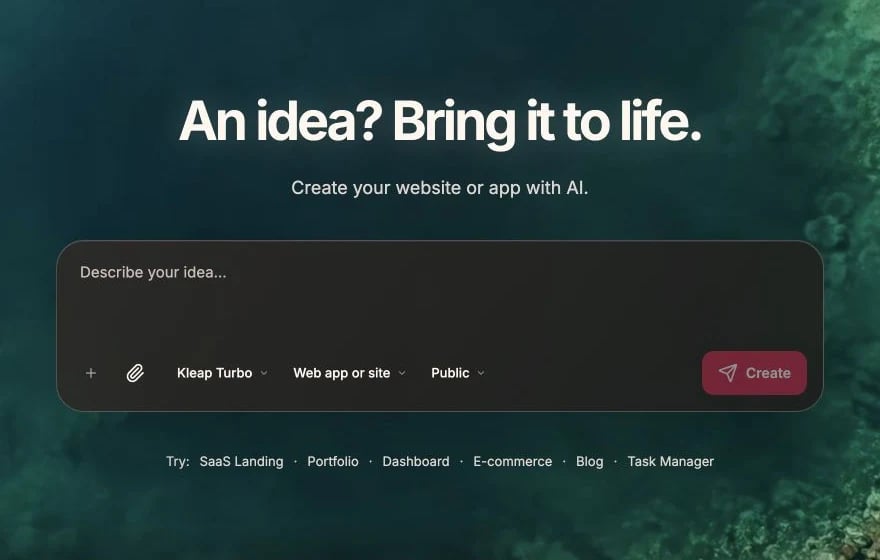
Describe the notification behavior in the Kleap prompt composer
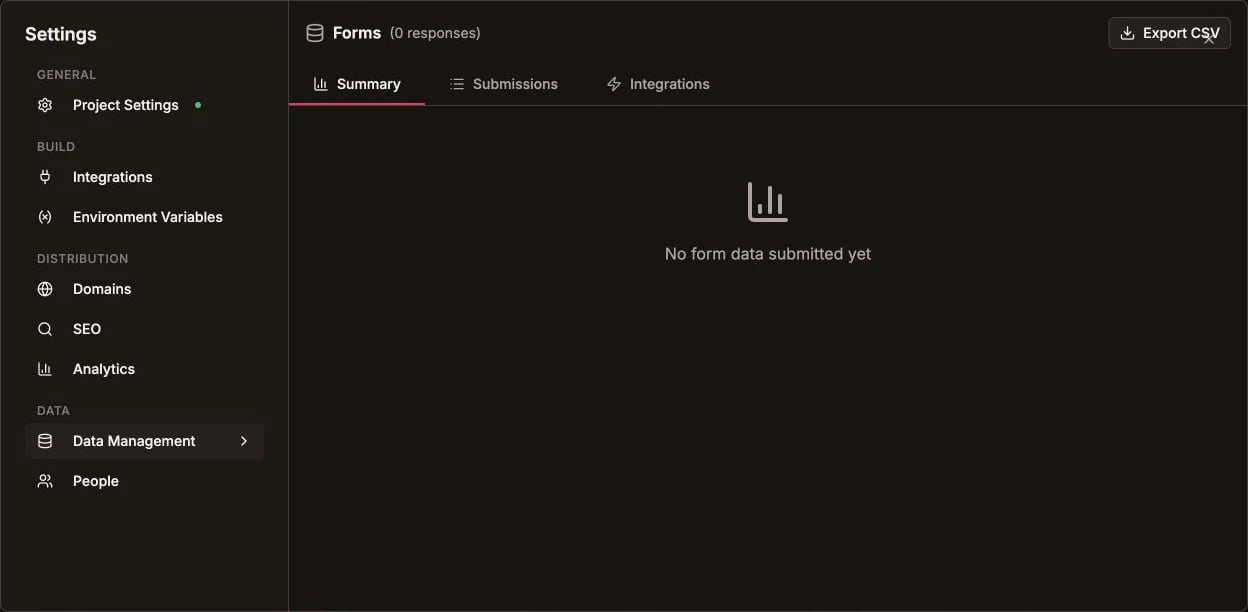
Review collected form data from Settings > Data Management
Custom / Transactional Email (Advanced)
If you need to send your own emails — welcome emails, password resets, order confirmations, newsletters — you need an external email provider. Because a Kleap site is static (no server runtime), the email-sending code has to run on a backend or serverless function you host separately, and your site calls it. Be realistic: this is a developer task, not a setting inside Kleap.Email Services
You’ll use an external email service to do the actual sending. When choosing one, compare on:How It Works
- Sign up with an external email service and get an API key.
- Deploy a small serverless function (Cloudflare Worker, Vercel/Netlify function, etc.) that calls the provider’s API. Your API key stays on the server — never ship it in the static site, where it would be publicly visible.
- Call that function from your site (for example, from a form handler).
Example Serverless Function
Verify Your Domain
For custom from addresses ([email protected]), verify your domain with the provider and set up SPF, DKIM, and DMARC records. This is what keeps your email out of the spam folder.
Common Email Types
Example prompts once you have an email backend wired up:Welcome Email
Password Reset
Order Confirmation
Newsletter
Email Templates
HTML Email
React Email Templates
For complex emails, use React Email:Email Best Practices
Avoid Spam Filters
Use verified domain
Set up SPF, DKIM, and DMARC
Clear from address
Use recognizable sender name
Meaningful subject
Avoid spam trigger words
Include unsubscribe
Required for marketing emails
Rate Limiting
Don’t send too many emails too fast:Error Handling
Email with Queues
For high-volume or reliable email, queue messages instead of sending them inline.Queue Emails in Database
Store pending emails in Kleap Database:Testing Emails
Development
Use your email service’s test or sandbox mode, or a dedicated email-testing tool that captures messages instead of delivering them (many provide a fake SMTP inbox for local testing).Check Rendering
Preview how your email looks across different email clients with an email-rendering tool before sending to real recipients.Troubleshooting
Emails not sending
Emails not sending
- Check API key is correct
- Verify it’s set on your serverless backend
- Check the provider’s dashboard for errors
- Verify from address is authorized
Emails going to spam
Emails going to spam
- Set up domain verification (SPF, DKIM, DMARC)
- Check email content for spam triggers
- Use a reputable email service
- Add proper unsubscribe link
Rate limited
Rate limited
- Check your service’s rate limits
- Implement queuing for bulk sends
- Upgrade plan if needed
Kleap Database
Store form responses, subscribers, and email logs