

Kleap Analytics
Published apps include analytics tracking:- Page views - Track which pages are visited
- Unique visitors - Count individual users
- Referrers - See where traffic comes from
- Geography - Visitor locations
- Devices - Desktop, mobile, tablet breakdown
Enabling Analytics
Analytics are automatically enabled when you publish your app.Viewing Analytics
- Go to Settings > Analytics
- View metrics directly in your Kleap dashboard
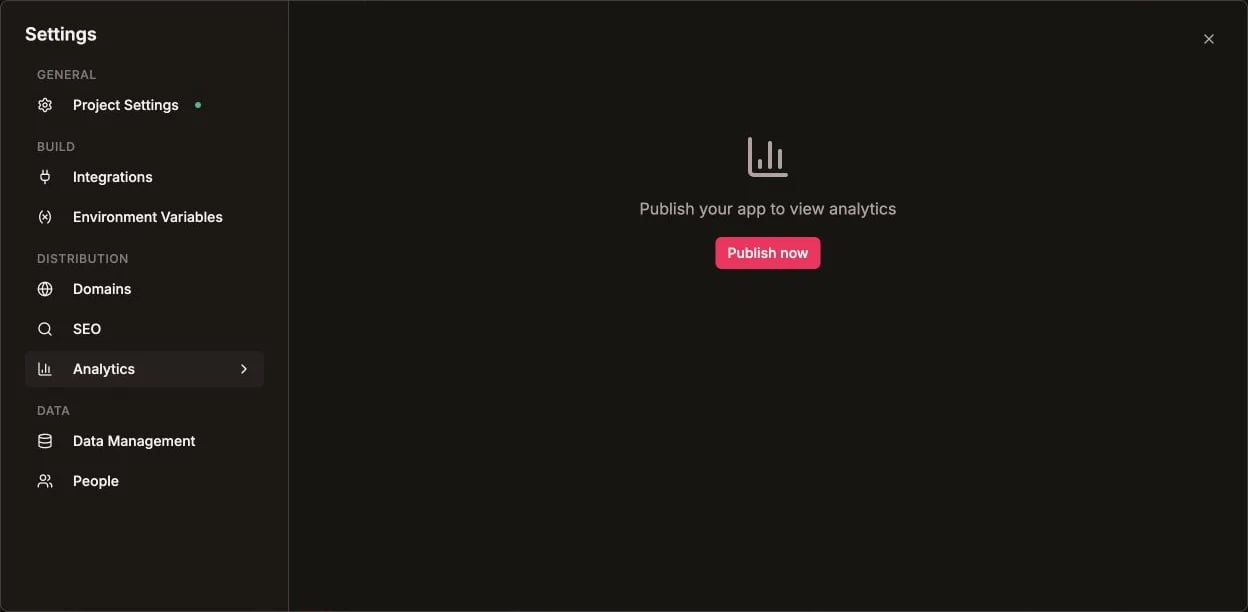
Choose Analytics under Distribution in Project settings
Dashboard Metrics
Web Vitals
Track Core Web Vitals for performance:- LCP (Largest Contentful Paint) - Loading performance
- FID (First Input Delay) - Interactivity
- CLS (Cumulative Layout Shift) - Visual stability
Good Web Vitals improve SEO rankings and user experience.
Real-Time Data
See visitors on your site right now:- Current active users
- Pages being viewed
- Geographic distribution
Time Periods
View analytics for different periods:- Last 24 hours
- Last 7 days
- Last 30 days
- Custom date range
Traffic Sources
Understand where your visitors come from:Geographic Data
See visitor locations:- Country breakdown
- City-level data (Pro plan)
- Map visualization
Device Analytics
Understand your audience’s devices:- Desktop vs Mobile vs Tablet
- Browser breakdown (Chrome, Safari, Firefox)
- Operating System (Windows, macOS, iOS, Android)
Privacy Compliance
Kleap Analytics is privacy-friendly:- No cookies required
- GDPR compliant
- No personal data collected
- Anonymized visitor data
Third-Party Analytics
You can also add other analytics tools:Google Analytics
Open Settings > Project settings > Integrations, choose Google Analytics, and click Connect. You can also ask the AI to add it: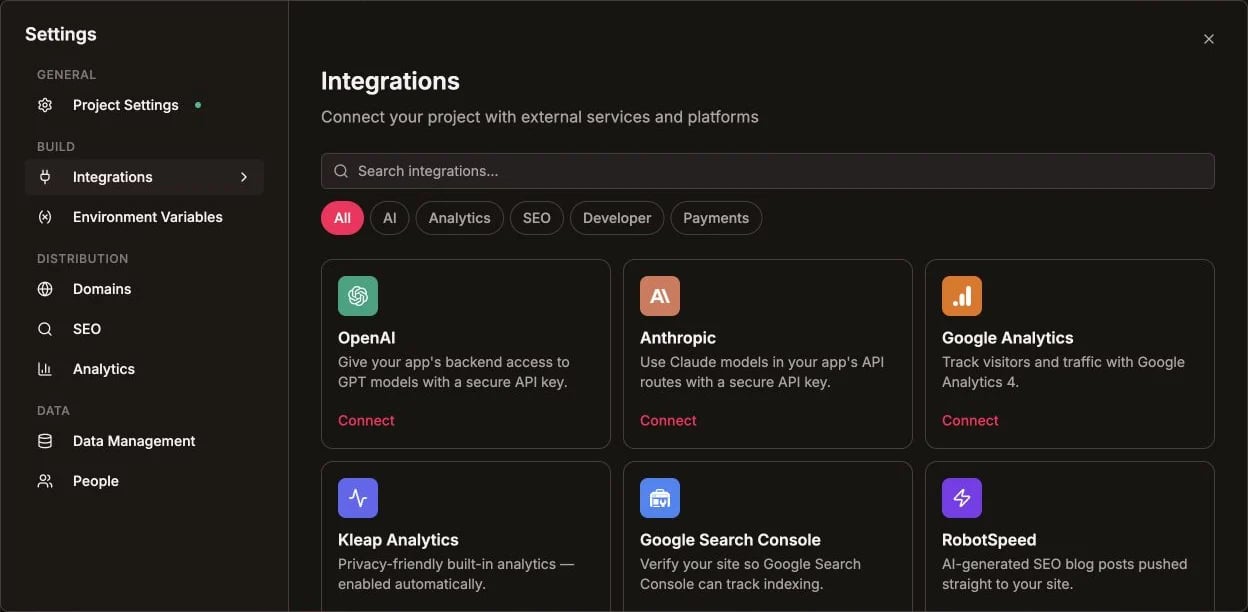
Google Analytics is available from the Integrations catalog
Other Options
- Plausible - Privacy-focused
- Fathom - Simple, fast
- Mixpanel - Product analytics
- PostHog - Open-source analytics
Analytics Plans
Best Practices
Check analytics regularly
Check analytics regularly
Review weekly to understand trends and identify issues.
Monitor Web Vitals
Monitor Web Vitals
Keep LCP < 2.5s, FID < 100ms, CLS < 0.1 for good scores.
Track important pages
Track important pages
Focus on conversion pages (pricing, signup, checkout).
Compare periods
Compare periods
Compare week-over-week to spot growth or problems.
Improve Your SEO
Use analytics insights to optimize for search engines