

Technology Stack
When Kleap builds your site, you get:Kleap ships mostly static HTML by default, so your pages are fast and rank well. Interactive parts (menus, sliders, forms, dashboards) are added as React “islands” without slowing down the rest of the page.
Project Structure
A generated Astro site is organized like this:You focus on describing pages and content — Kleap manages the configuration files (
astro.config.mjs, build settings) for you.Building with AI
Instead of editing template code by hand, you describe what you want: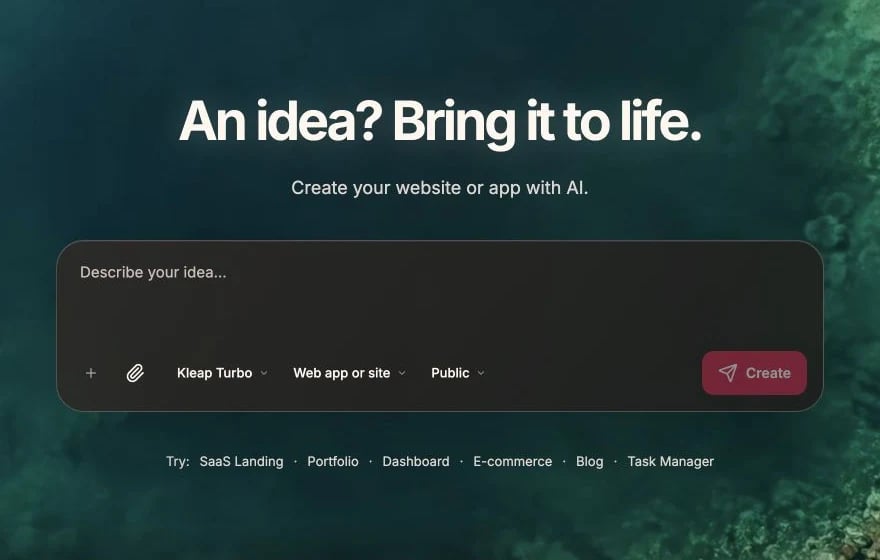
Create the project foundation from a plain-English request
Create Sections
Add Pages
Style Changes
Adding Dynamic Features
Your site is static by default, but you can add dynamic capability when you need it:- Forms — contact, lead, and newsletter forms work out of the box (Forms & Data)
- Database & accounts — add Kleap Database for bookings, saved data, or user logins (Kleap Database)
- Payments — embed Stripe payment links or buttons (Payments)
Best Practices
Start simple
Start simple
Begin with a basic description, then add sections and pages incrementally.
Be specific
Be specific
The more detail you provide, the better Kleap understands your vision.
Iterate
Iterate
Build in small steps. Check each change in the preview before moving on.
Start Building
Create your first site